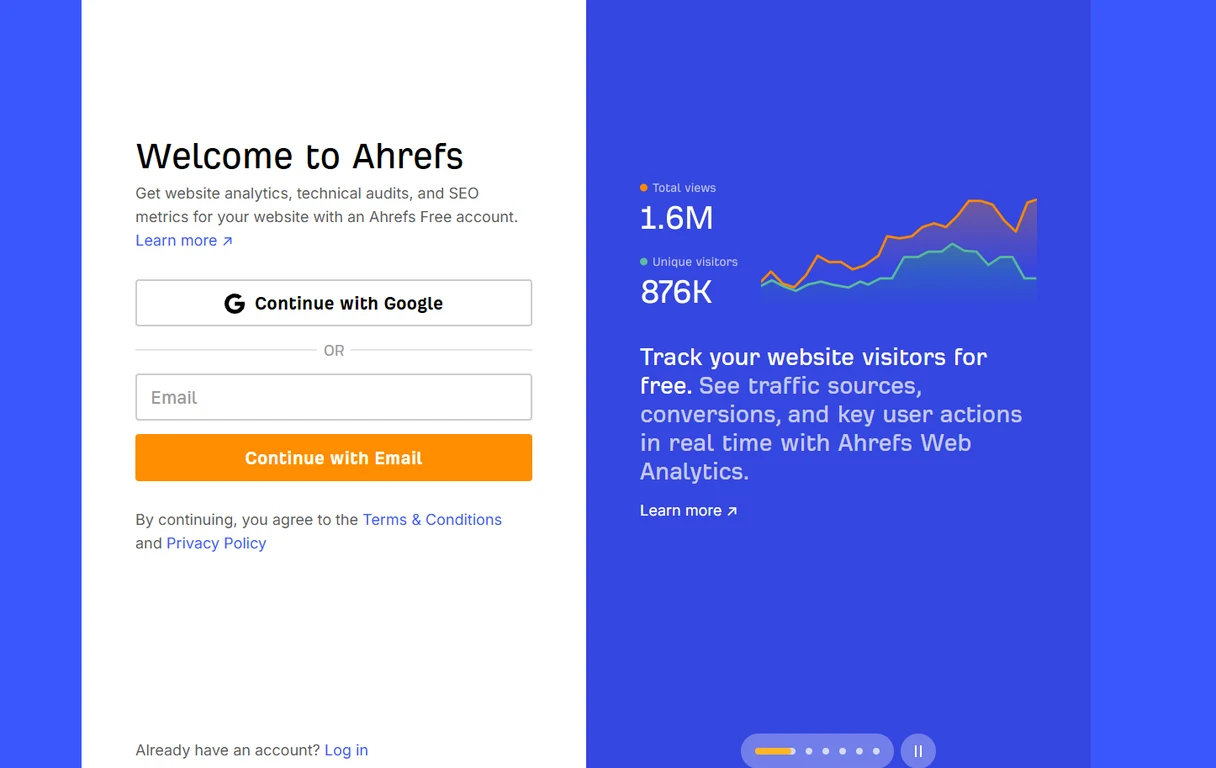
What the free account includes, and what it does not
In Ahrefs’ own words, the free account gives you “website analytics, technical audits, and SEO metrics for your website.” In practice that means three things:
- Site Audit. Crawls your site and lists technical problems, from broken links to missing titles.
- Site Explorer for your own site. Who links to you, which keywords Ahrefs sees you ranking for, and your top pages.
- Web Analytics. A visitor tracker showing traffic sources, conversions and key actions, which you can run instead of or alongside Google Analytics.
What it does not include is data about sites you do not own. Competitor research, keyword research at scale, rank tracking and AI search tracking are paid features. If your question is “why does my competitor outrank me?”, the free account will not answer it. If your question is “what is wrong with my own site, and who links to it?”, it will.
For reference, as of September 2026 the paid plans start with Starter at $29 a month for keyword and competitor lookups, then Lite at $129, Standard at $249 and Advanced at $449 a month, with up to 17% off if you pay annually. You can upgrade later without redoing any of the setup below.
Step one: create your free account
Go to the Pricing page on ahrefs.com and scroll to the bottom. Under Ahrefs Free (“See how your site performs and fix what matters”), click Get started. That opens the Welcome to Ahrefs screen pictured at the top of this article, where you choose Continue with Google or type your email and click Continue with Email, then follow the prompts to finish creating the account.
If your site is already in Google Search Console, Continue with Google using the same Google account that owns Search Console. It makes the next step a single click. Either way, use an account you will still control in five years, ideally on your business domain rather than a freelancer’s or a former employee’s. Losing the login is the most common reason people end up doing all of this twice.
Step two: add your website
Once you are in, Ahrefs asks you to add a project, and there are two routes.
Import from Google Search Console. This is the fastest. Sign in with the Google account that owns your Search Console properties, and Ahrefs lists every site you have there. Tick the ones you want. Verification happens automatically, because Google has already confirmed you own them, and it is the easiest way to add several sites at once. If you have not set up Search Console yet, do that first; I walk through it on every major platform in how to set up Google Search Console, and it is worth having regardless of Ahrefs.
Add it manually. Type your domain and choose a verification method, covered in step three. Enter the whole domain rather than only the www version or a single folder, unless you have a reason to track just one part. You want the full picture.
Step three: verify you own the site
If you imported from Search Console, skip this. Otherwise Ahrefs offers three ways to prove the site is yours:
- DNS TXT record. Add a line of text to your domain’s DNS, wherever your domain is managed (GoDaddy, Namecheap, Cloudflare, Squarespace Domains, Shopify and so on). Set the host or name to
@and paste the value. This is the most durable option, because it survives redesigns and platform changes. - HTML file. Upload a small file to the root of your site. Good if you have file access but no DNS access. Hosted builders like Shopify and Wix usually do not allow it.
- HTML meta tag. Paste a tag into your homepage’s
<head>. The easiest route on WordPress, Wix, Squarespace or Shopify, but a theme change can delete it and quietly un-verify you.
DNS changes can take anywhere from a few minutes to a day. If verification fails straight away, wait an hour and try again rather than adding a second record. Ahrefs renames menus now and then, so if a label here has moved, look for “verify” or “ownership” in the project settings.
Step four: make sure Ahrefs can actually crawl your site
This is the step almost everyone skips. Ahrefs collects its data with its own crawler, AhrefsBot. If your site blocks it, your reports come back thin or empty, and that looks exactly like a site with no authority. Check three places:
- robots.txt. Visit
yourdomain.com/robots.txt. If you seeUser-agent: AhrefsBotfollowed byDisallow: /, or a blanketDisallow: /underUser-agent: *, the crawler is blocked. - Security plugins and firewalls. WordPress security plugins and some hosting firewalls block SEO crawlers by default.
- Your CDN. If you use Cloudflare or similar, make sure bot protection is not challenging verified crawlers.
Step five: run your first site audit
Once the site is connected, start a Site Audit crawl if Ahrefs has not started one for you. A small site usually finishes within the hour. You get a health score and a list of issues grouped by severity: broken links, redirect chains, missing titles and descriptions, slow pages, pages nothing links to.
Treat the list as a to-do list, not a grade. Some flagged items are deliberate, and the health score is a summary of the list, not something Google uses to rank you. Fix errors first, then warnings, and leave notices until the rest is clean. Then set the audit to re-run on a schedule. Monthly is plenty for most small sites, and it means new problems surface without you having to remember to look.
Step six: read three reports first
You can lose an evening clicking around Ahrefs. These three are worth your first half hour.
Backlinks and referring domains. Open Site Explorer for your domain. The referring domains number matters more than the backlink total, because one site linking to you two hundred times is still one vote. Scan the list for sites you recognize, then for sites you have never heard of. The second group is where spam and scraper links live. Most of them are harmless and do not need disavowing.
Organic keywords, read with care. This report shows the searches Ahrefs thinks you rank for, and for small or new sites it is almost always an undercount. Ahrefs estimates rankings from its own keyword database, which favors searches with measurable volume, while small sites mostly rank for rare long-tail questions that are in nobody’s database. On our own site, Ahrefs has shown a single-digit keyword count while Search Console showed a couple of hundred queries a week. Neither tool is wrong; they measure different things. For your own rankings, trust Search Console.
Top pages. This shows which pages Ahrefs estimates bring in the most search traffic and links. Use it to find the pages that are already working, then link to them from newer pages and keep them current.
Common setup problems
- Verification failed. DNS has not propagated yet, the TXT record went on the wrong host, or the meta tag landed outside
<head>. Wait an hour, then check again. - Empty or tiny reports. AhrefsBot is blocked (step four), or the site is new and has not been crawled much yet. Give it a few weeks.
- The site un-verified itself. A theme or platform change removed the meta tag or file. Switch to DNS verification so it cannot happen again.
- Wrong version of the site. You added the www version only, or http instead of https. Re-add the project at the domain level.
How to use it alongside Google Search Console
Use Search Console for your own rankings, clicks and indexing. It is free, it is Google’s own data, and it sees the long tail that third-party tools miss, though even it can mislead in ways I covered in how Search Console misleads you. Use Ahrefs for what Google does not show you clearly: who links to you, the technical health of the whole site in one crawl, and, if you upgrade later, how you compare with the competition.
And do not panic at a low keyword count or a middling Domain Rating on day one. Both are estimates built from the outside. Watch the direction over months, not the number on the first morning.
Keep going
- SEMPITE Brand Audit: the $199 diagnostic, AI search visibility included
- what website audits cost: pricing across every tier, from free tools to enterprise
Our Research On This
Original SEMPITE studies, live queries, recorded answers, named sources. Free to cite under CC BY 4.0.
- Google’s AI Skips Local Car Repair Searches, 6.9% of local repair searches get an AI answer
- 22.1M Monthly Auto Searches, Mapped, 83% of 22.1M auto searches say “near me”
Ahrefs connected but not sure what the reports mean for your business? The audit reads them alongside your Search Console and AI search data and tells you what to fix first.
Get Your Brand Audit →Frequently Asked Questions
Is Ahrefs free?
Partly. The Ahrefs Free plan, formerly Ahrefs Webmaster Tools, costs nothing for any website you can verify you own. It includes website analytics, a technical site audit, and backlink and keyword data for your own site. Competitor research, keyword research at scale and rank tracking need a paid plan, which starts at $29 a month.
How do I connect my website to Ahrefs?
Create a free Ahrefs account, add your site as a project, and verify you own it, either by importing it from Google Search Console or by adding a DNS TXT record, an HTML file or a meta tag.
What is the easiest way to verify my site in Ahrefs?
Importing from Google Search Console, if your site is already there, because it verifies automatically. For a manual setup, a DNS TXT record is the most reliable choice, since it survives website redesigns and platform changes.
Why does Ahrefs show fewer keywords than Google Search Console?
Ahrefs estimates rankings from its own keyword database, which favors searches with measurable volume. Small sites rank mostly for rare long-tail questions that are not in that database, so the Ahrefs count is usually a floor. Search Console reports Google's own data.
Why is my Ahrefs report empty?
Usually because AhrefsBot is blocked by robots.txt, a security plugin, a hosting firewall or a CDN, or because the site is new and has not been crawled much yet. Check those before assuming the site has no authority.
Do I need a paid Ahrefs plan for a small business website?
Not to start. The free account covers your own site's technical health and backlinks, which is where most small business problems are. Upgrade when you need competitor and keyword research.
Leave a Comment
Have a question or something to add? Drop a comment below.